
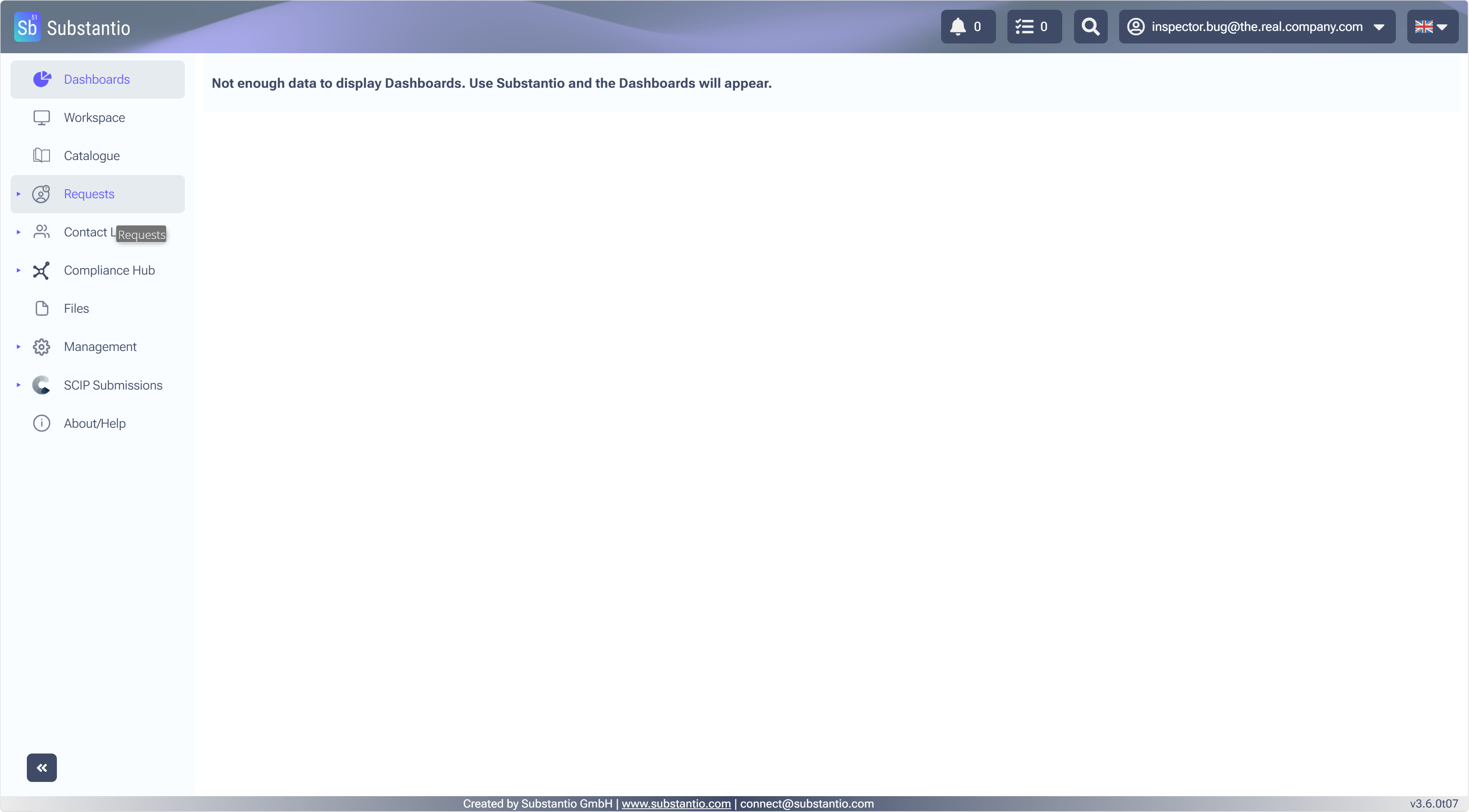
To declare a part internally choose Requests.
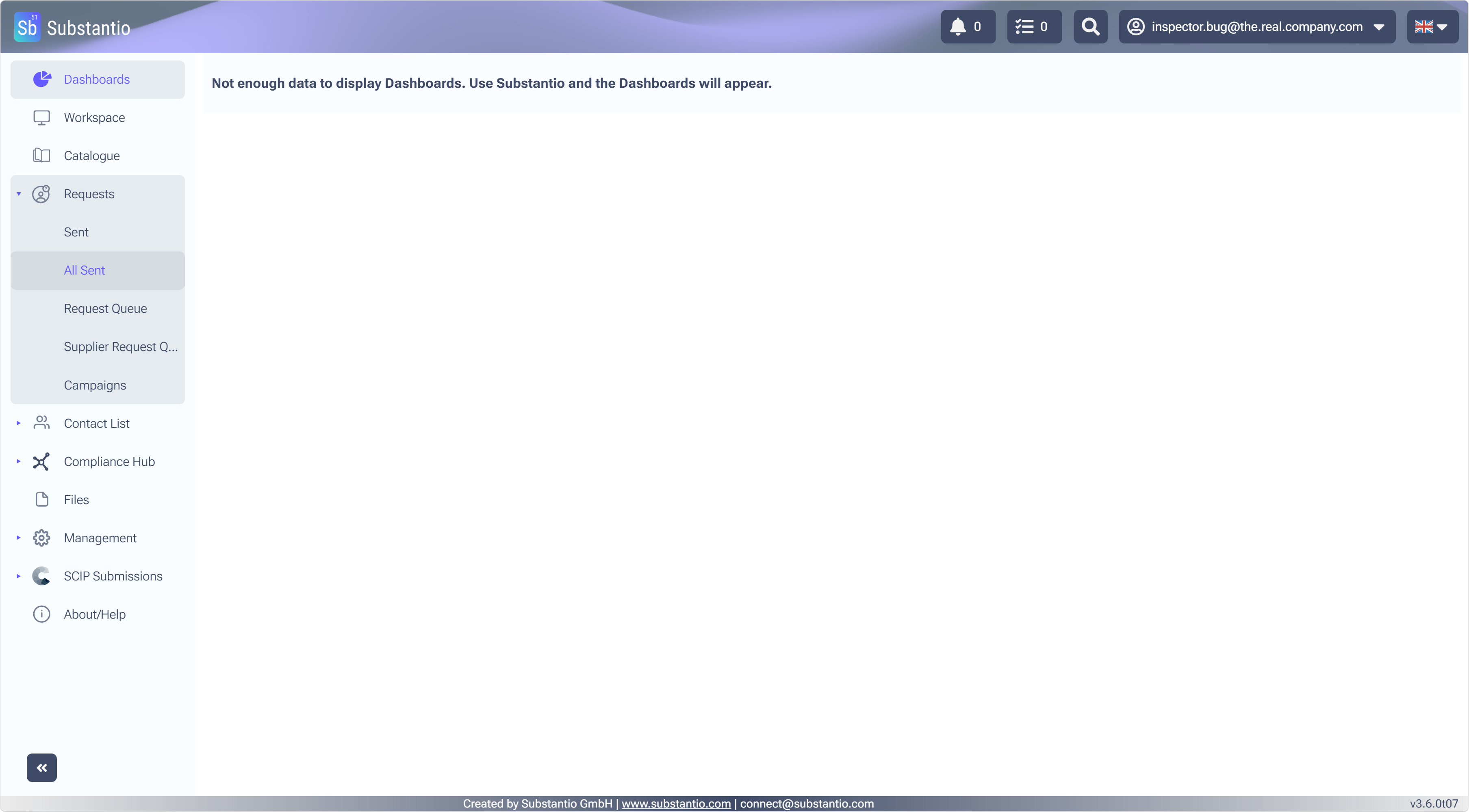
Go to All Sent section.
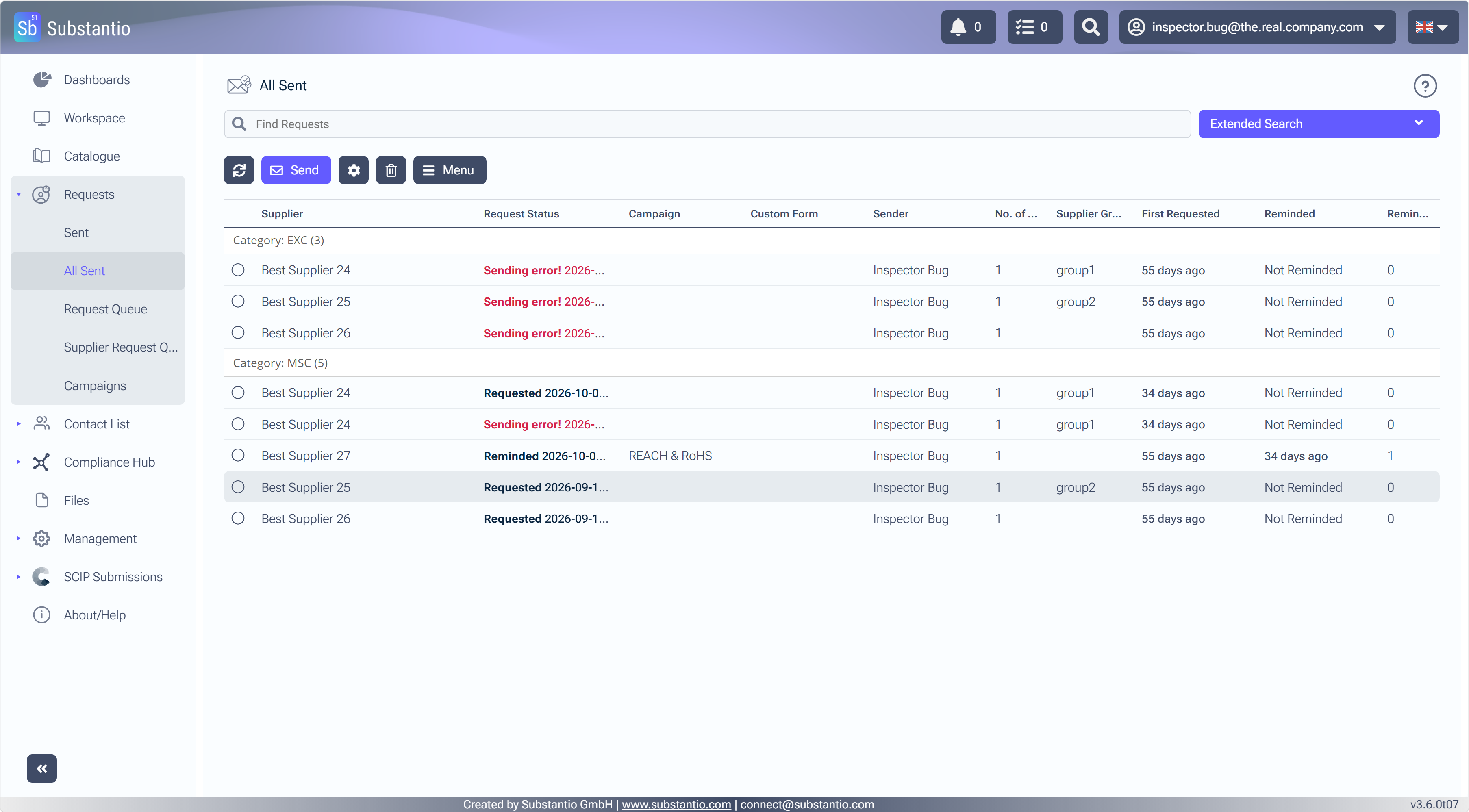
Choose the Request you want to declare.
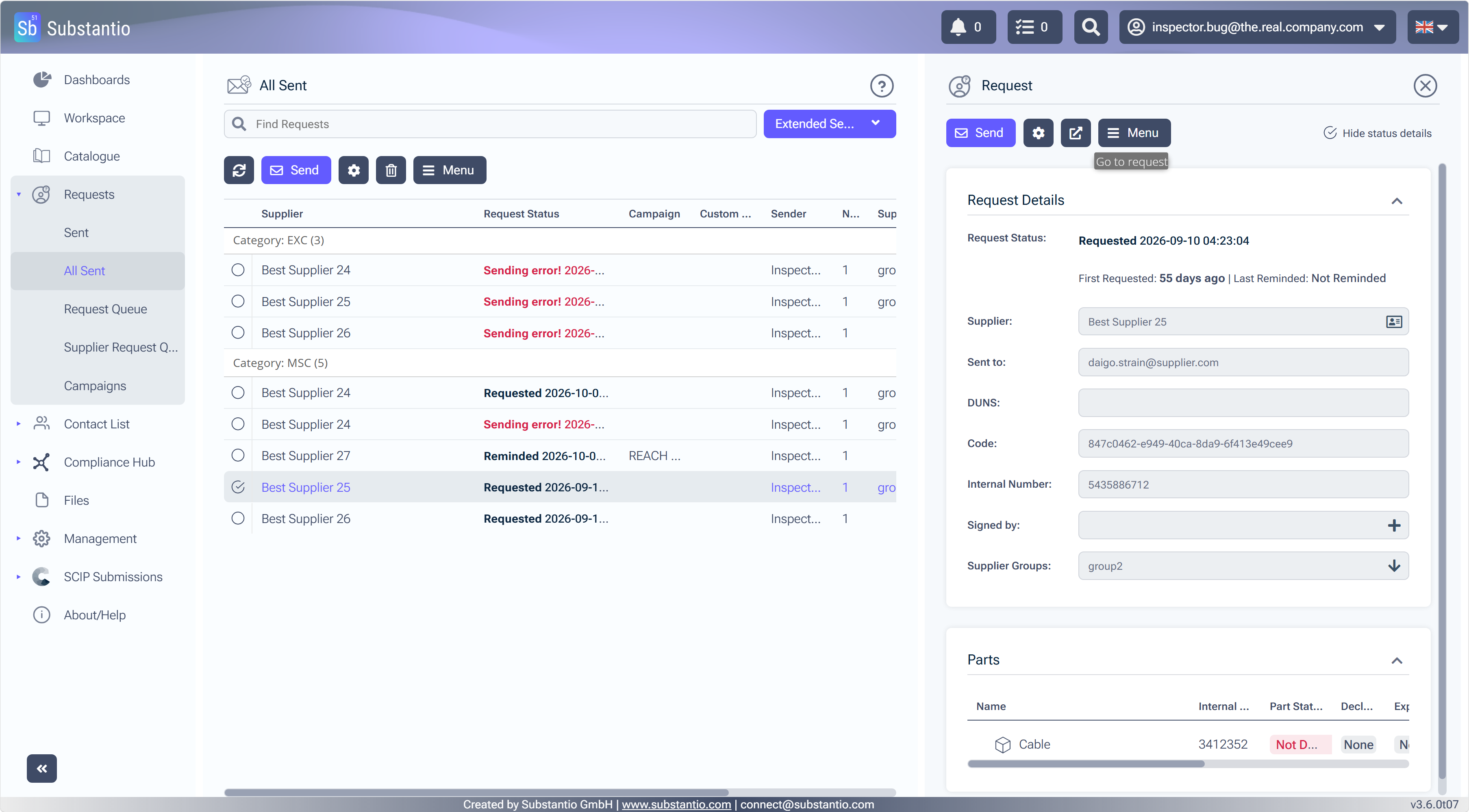
Click the marked button.
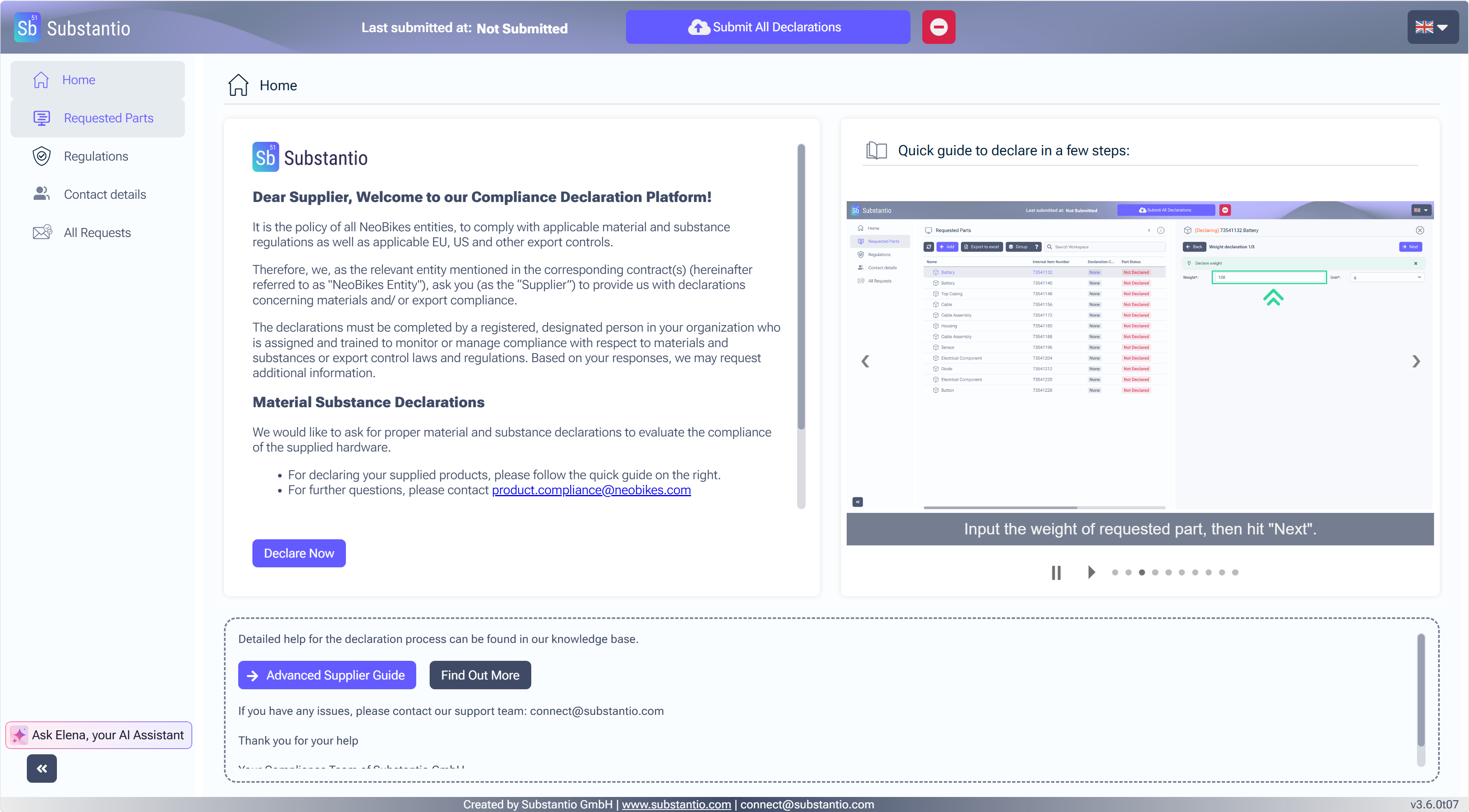
Choose Requested Parts.
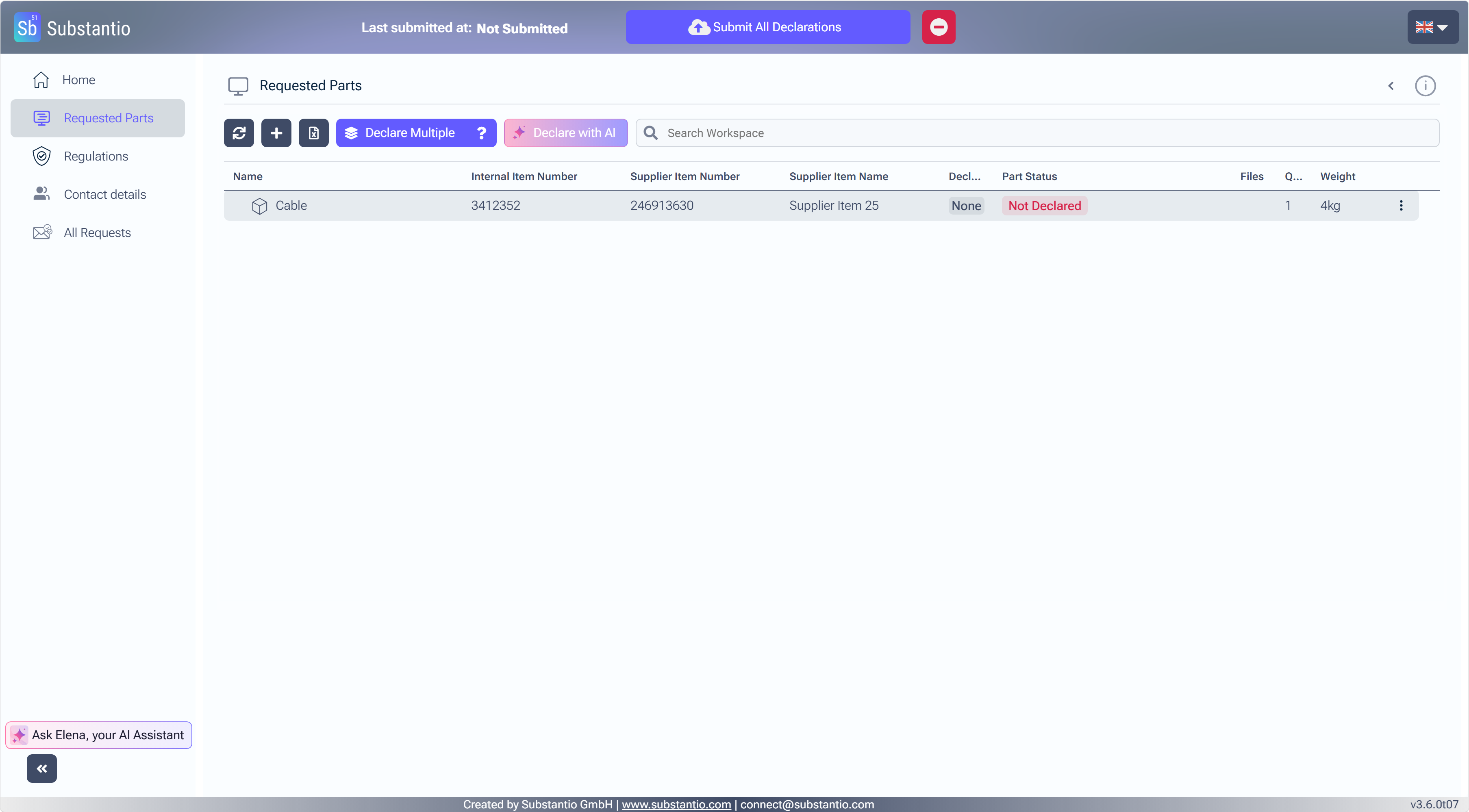
Click the part.
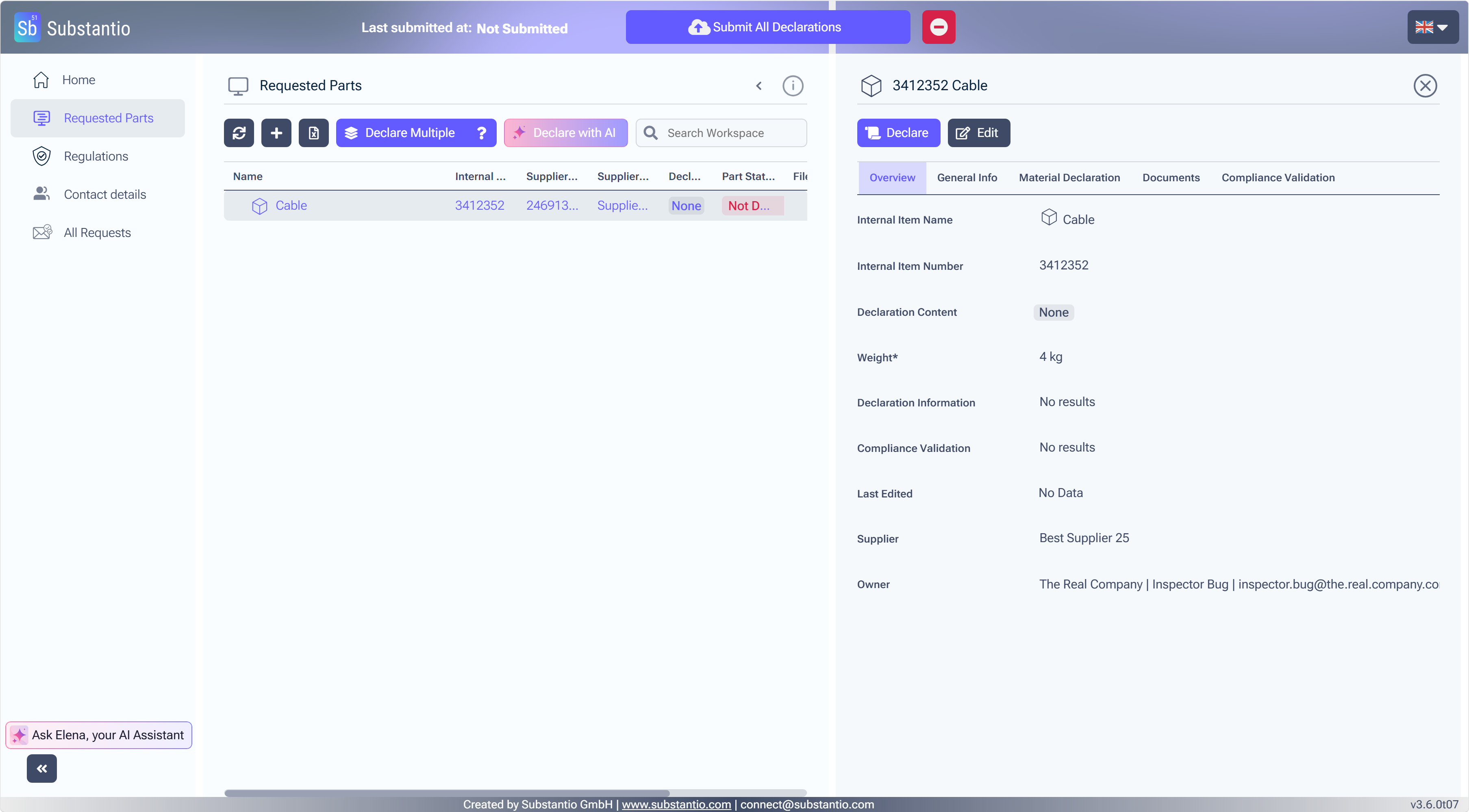
And Declare it.
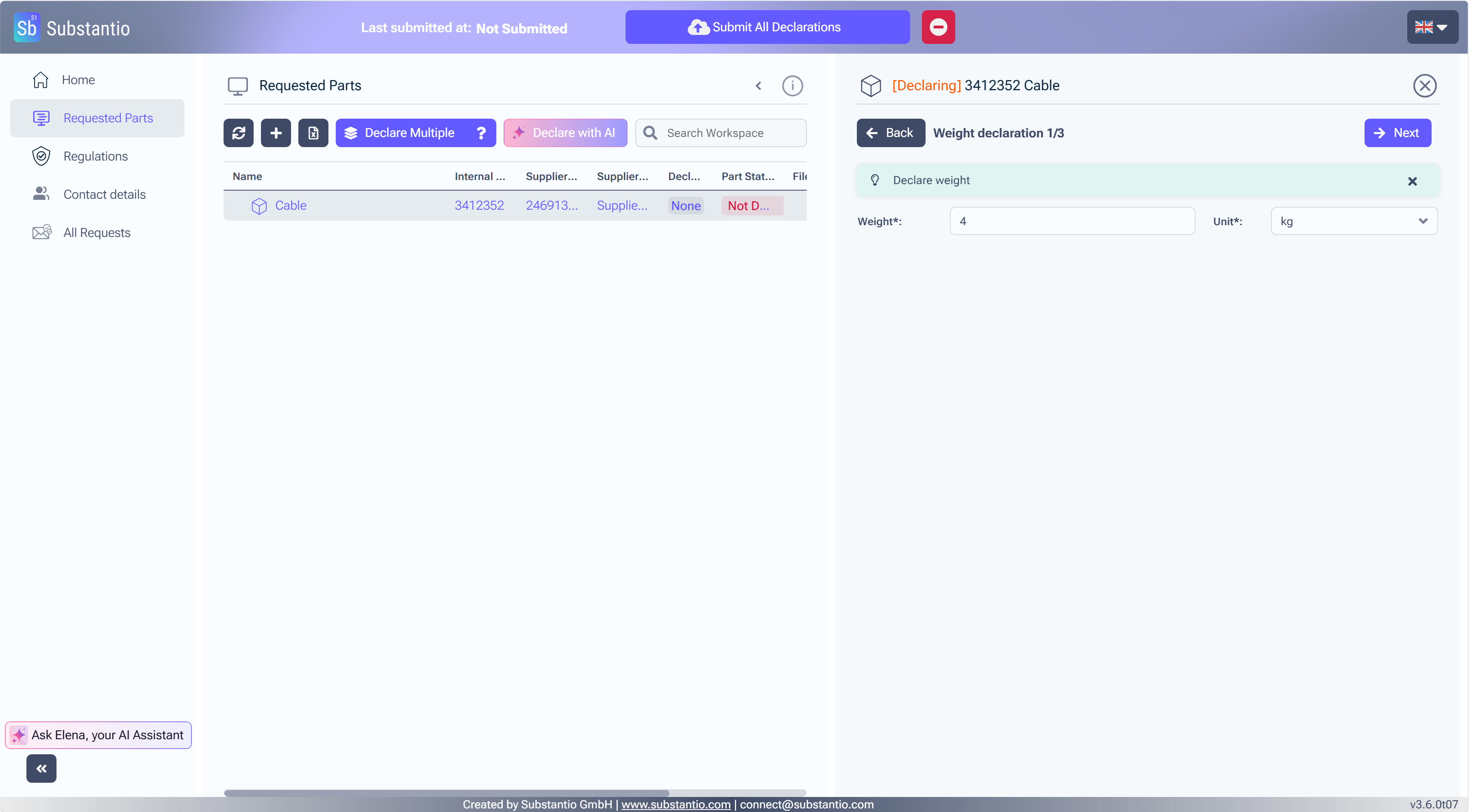
Insert the weight and click Next.
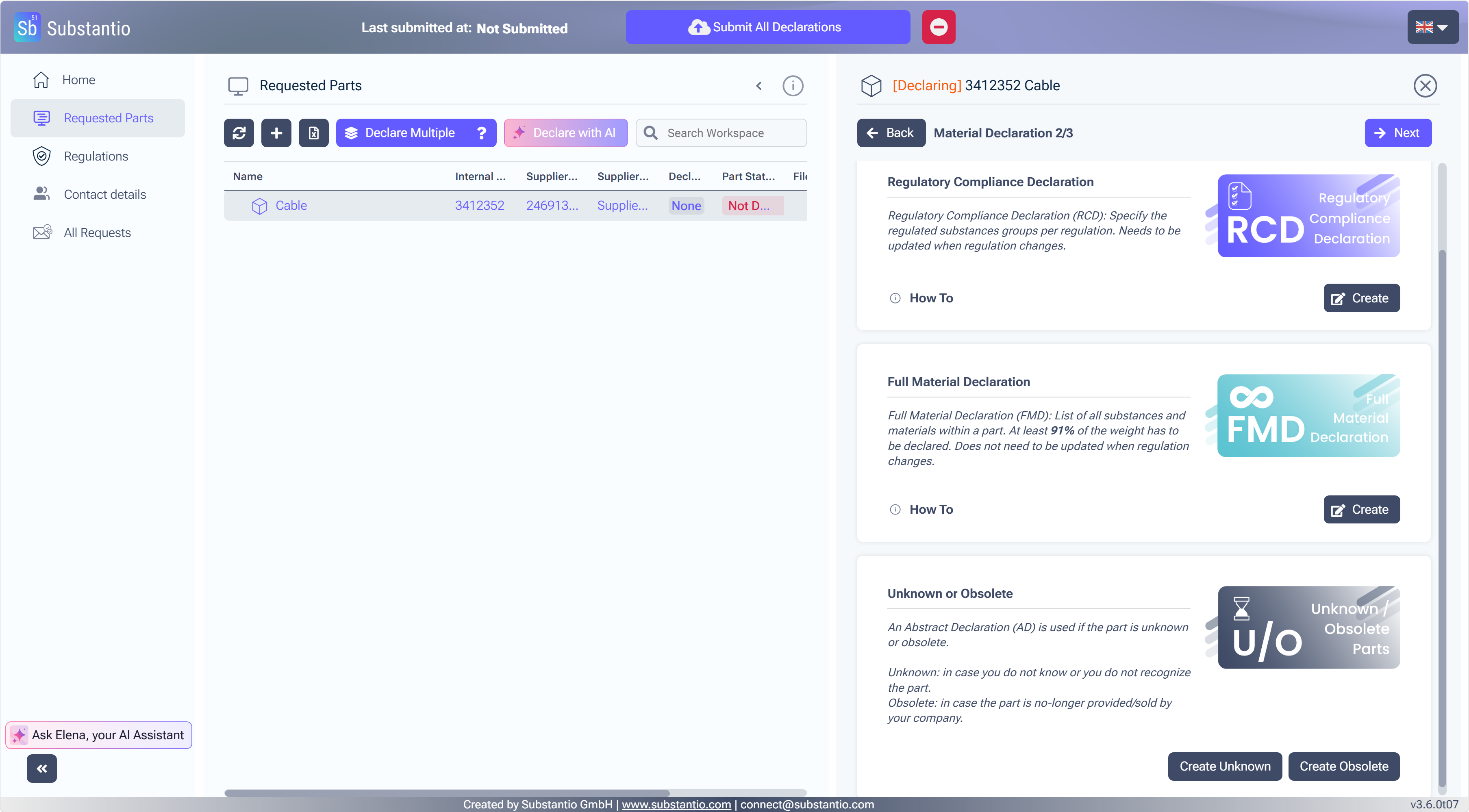
Choose which Material Declaration you want to do and Create the declaration.
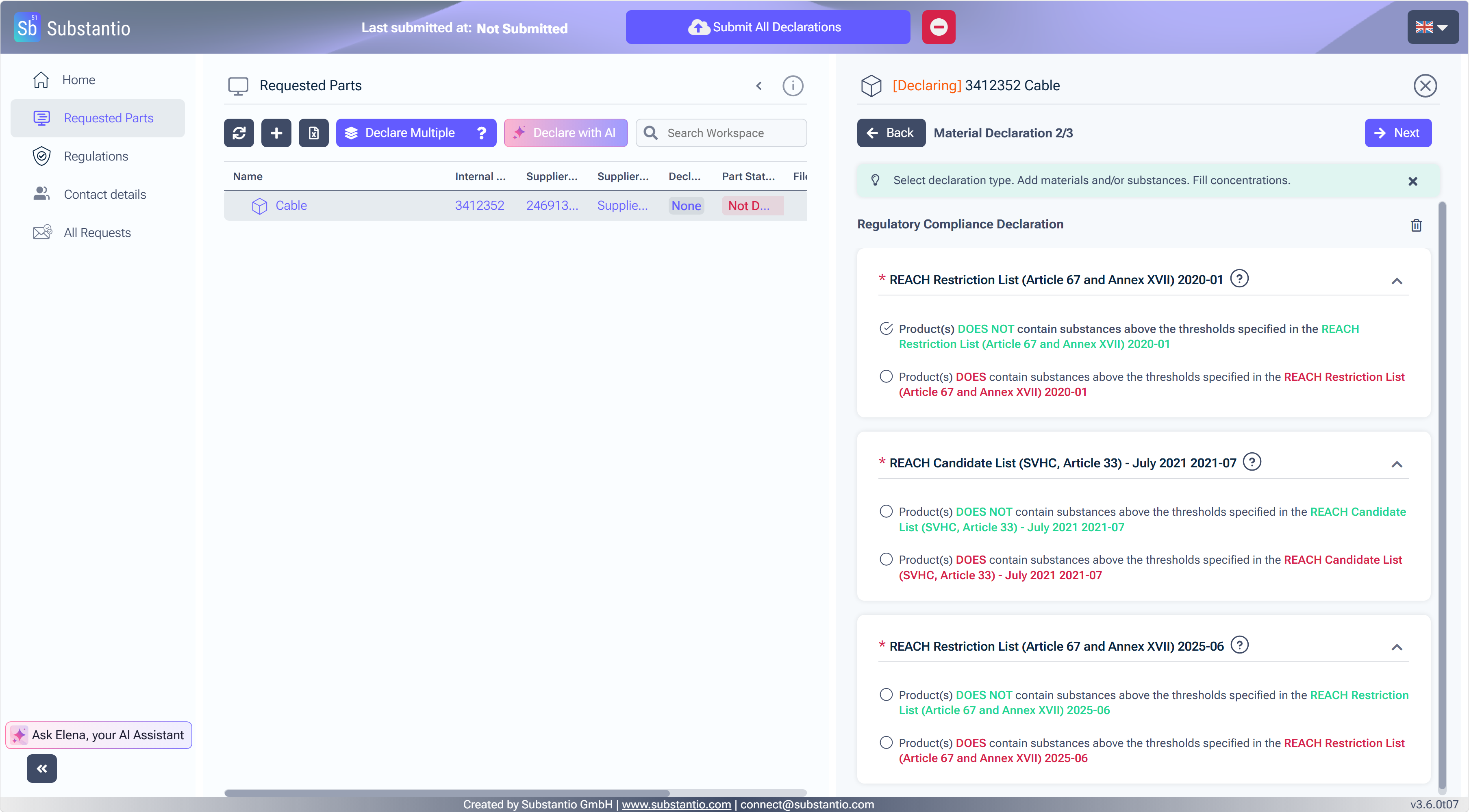
Insert your details.
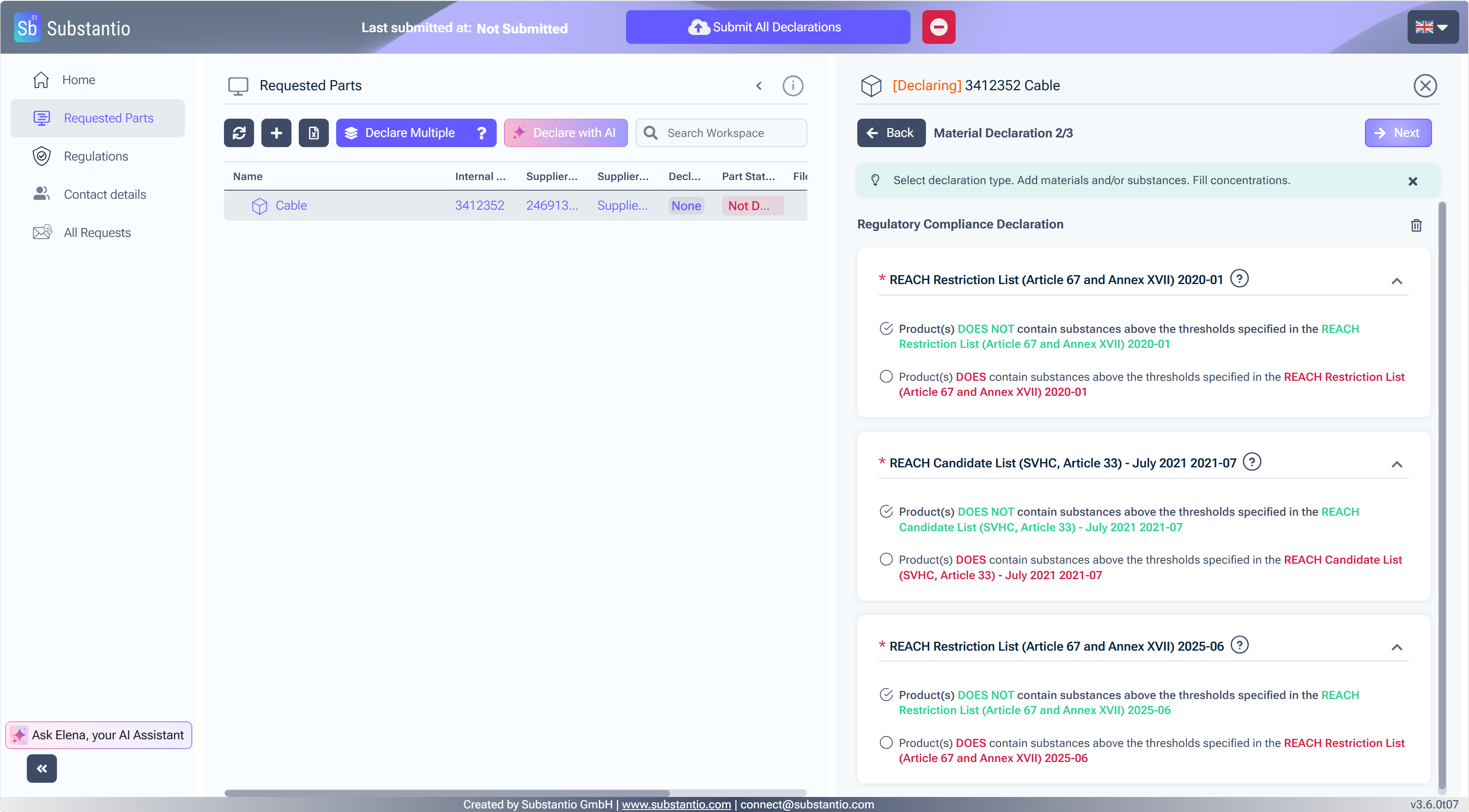
After finishing click on Next.
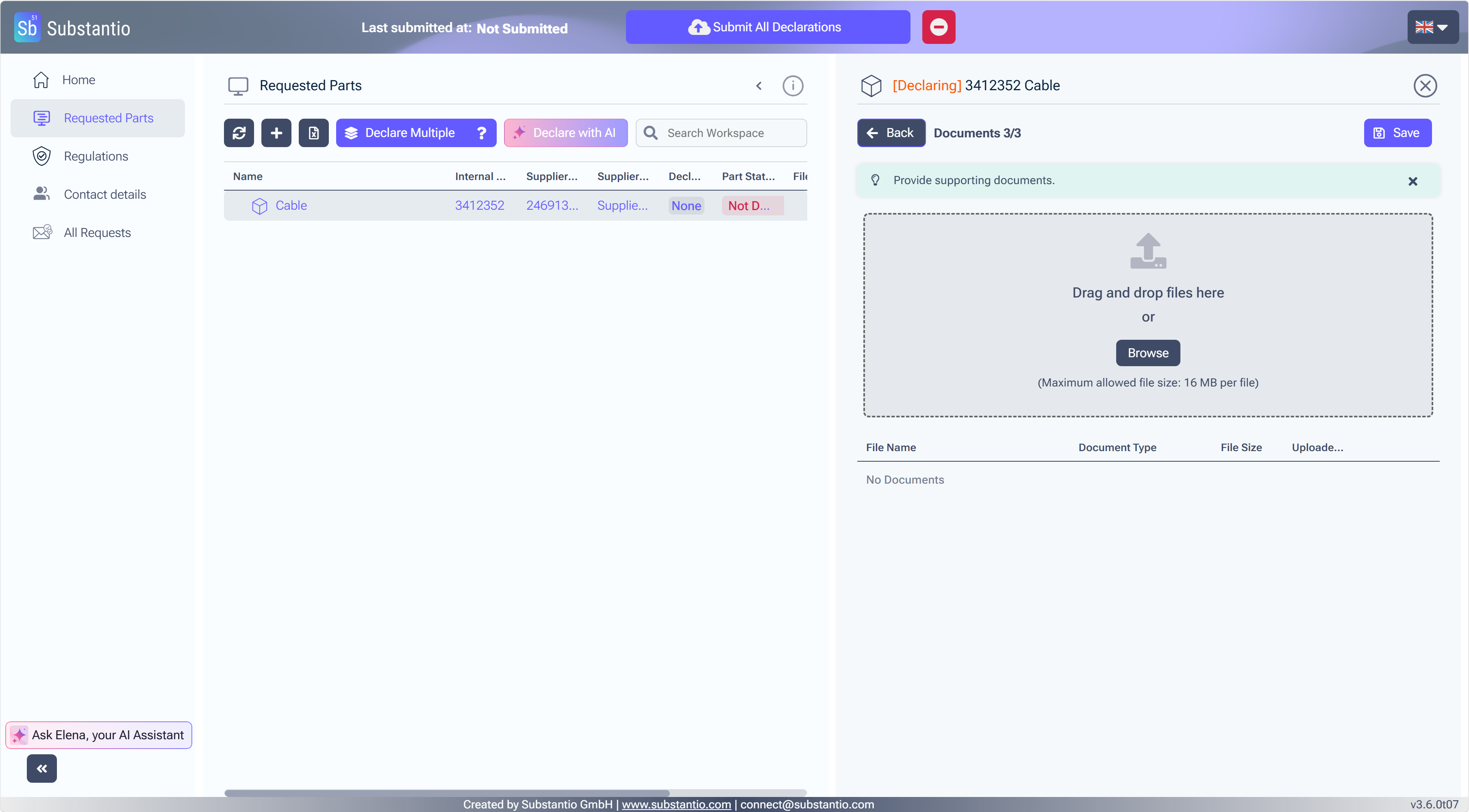
Click the Browse button.
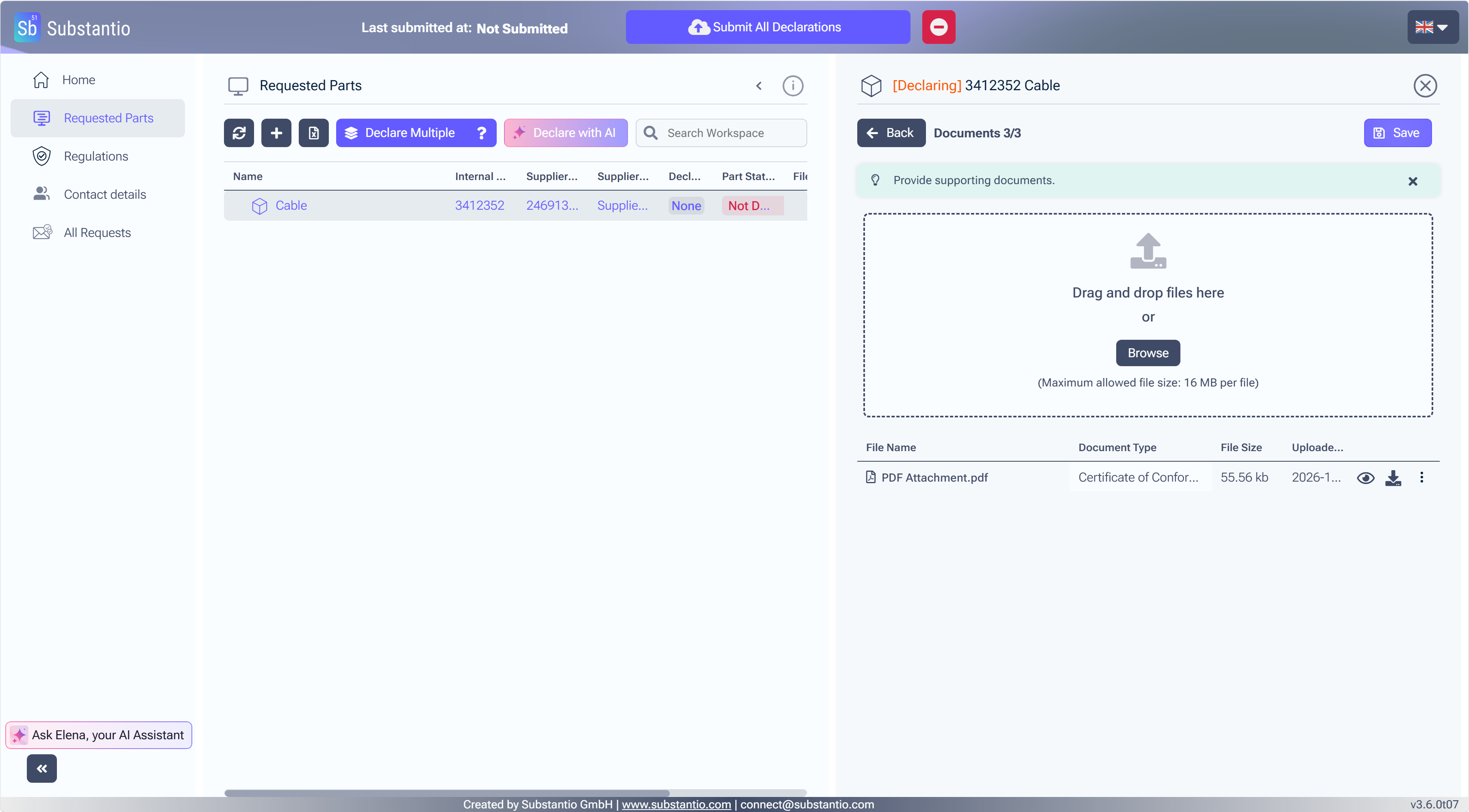
After loading up your document Save it.
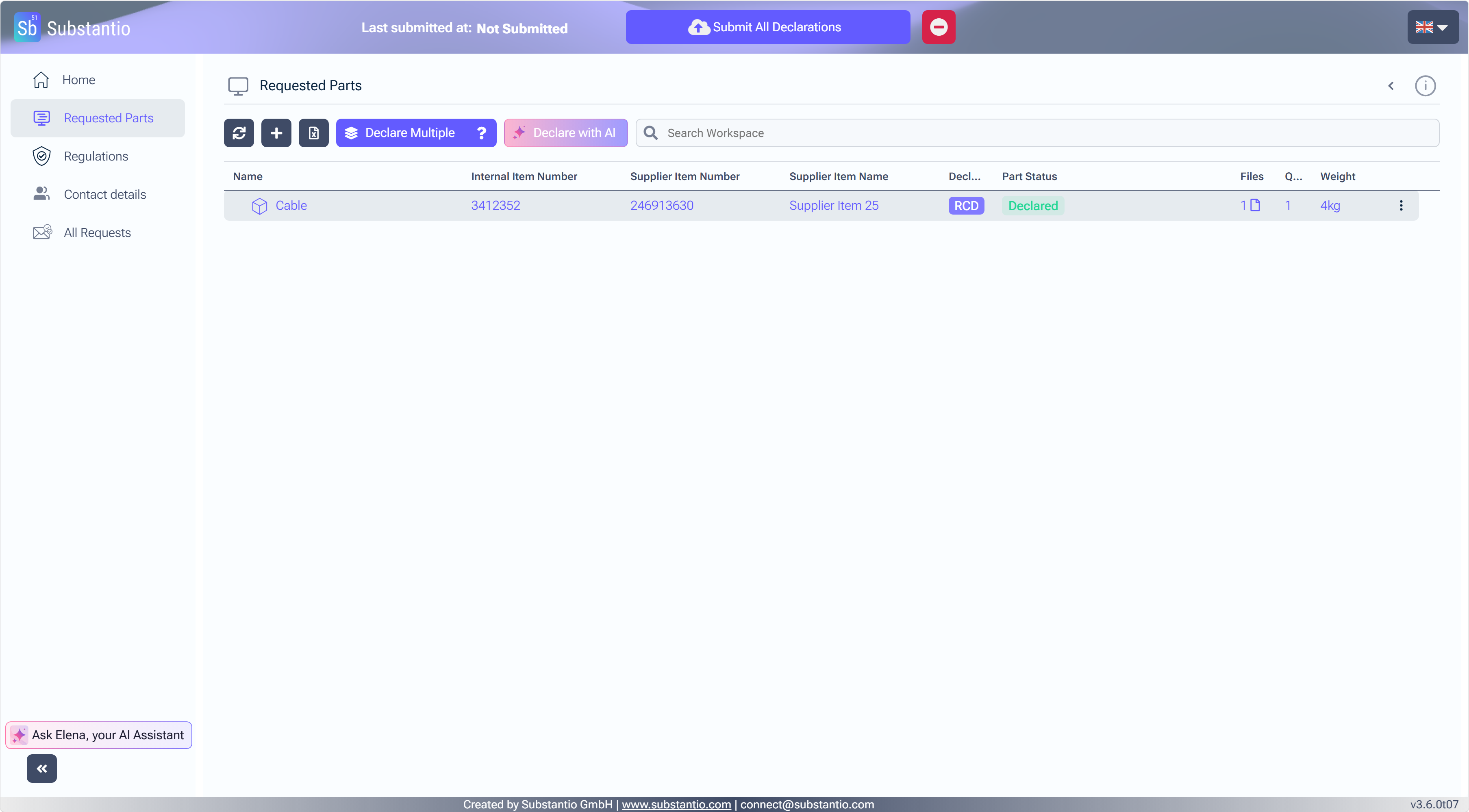
Your part is now Declared internally.
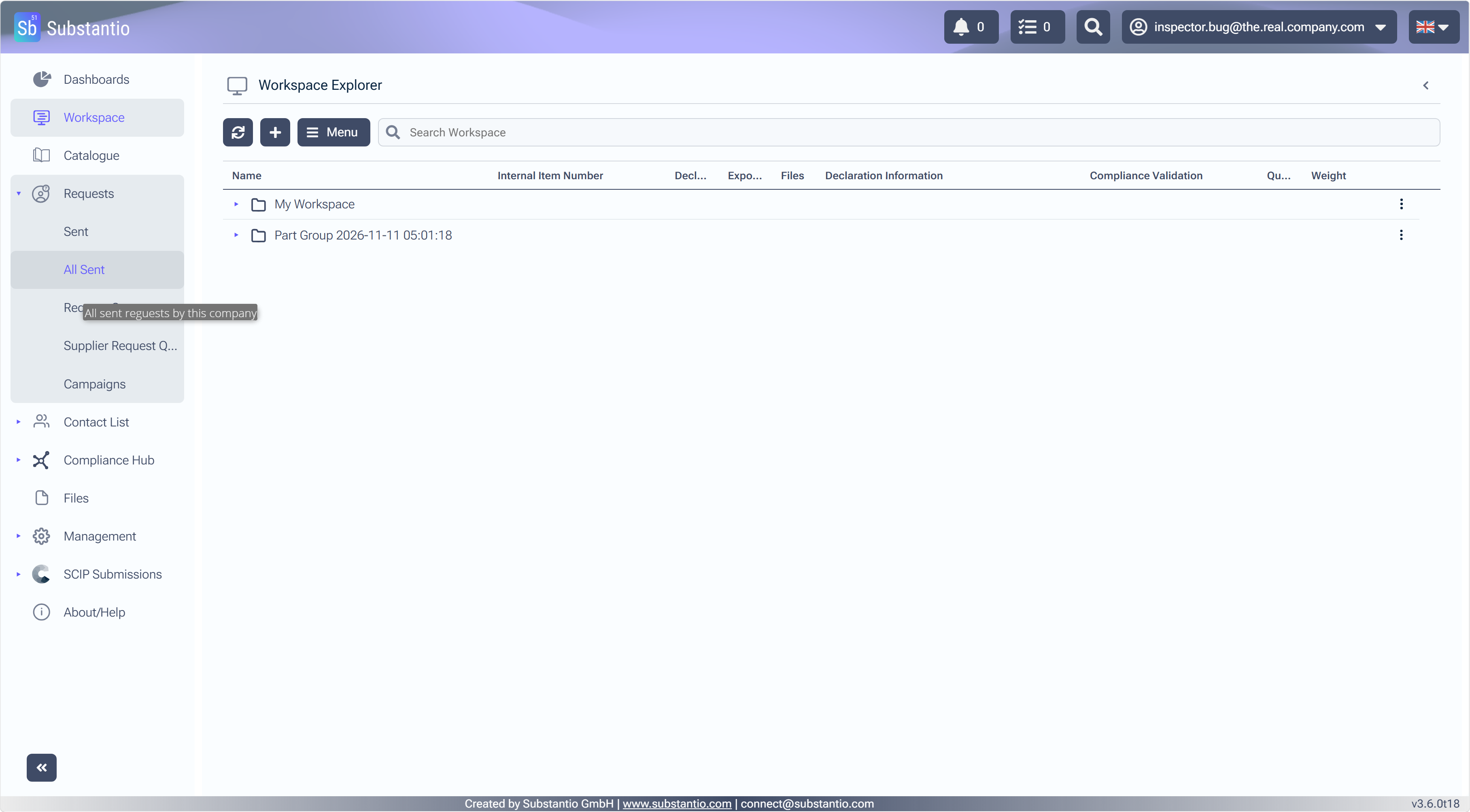
There is a different way to declare the parts internally. Go to All Sent.
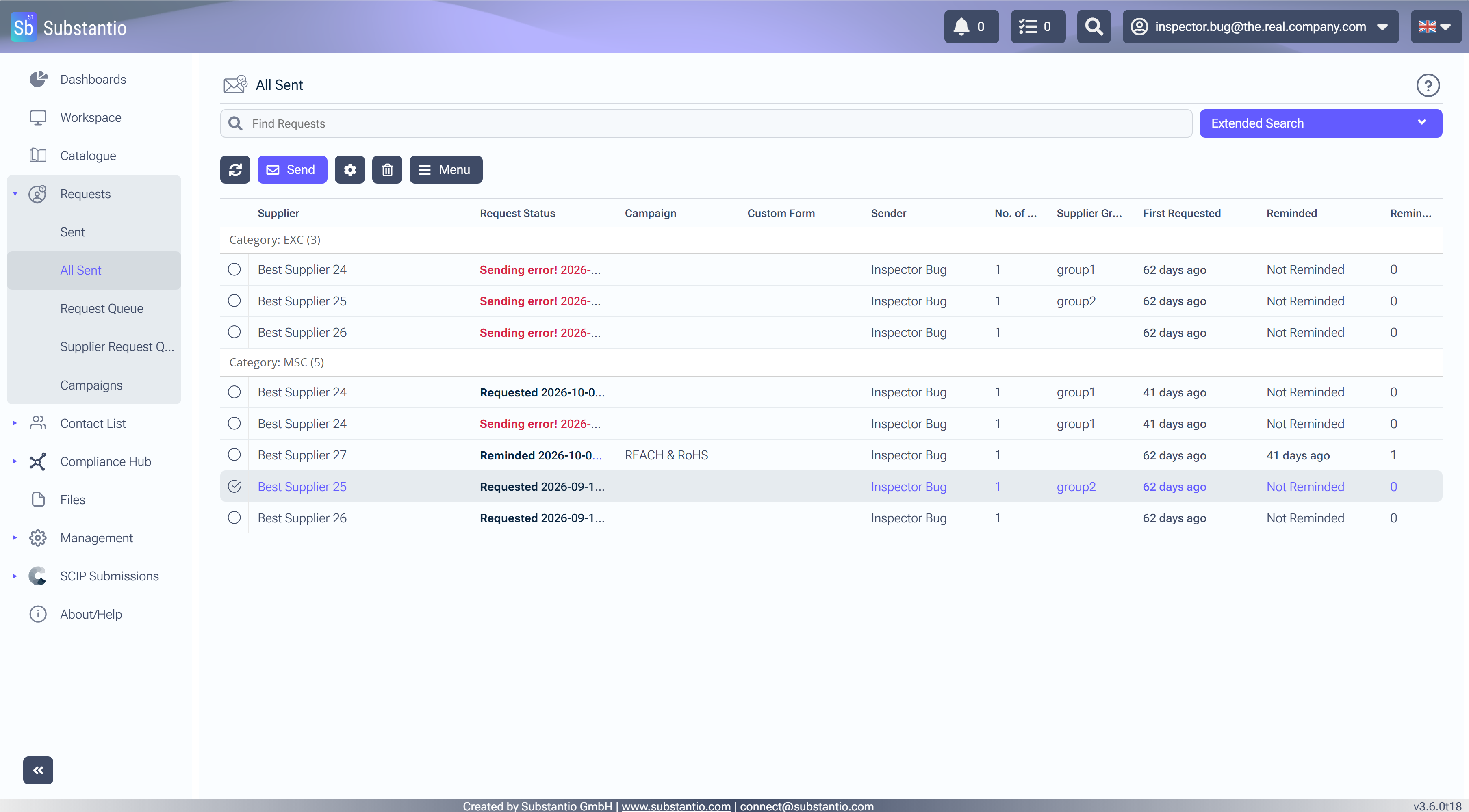
Therefore choose the Supplier with a right-click.
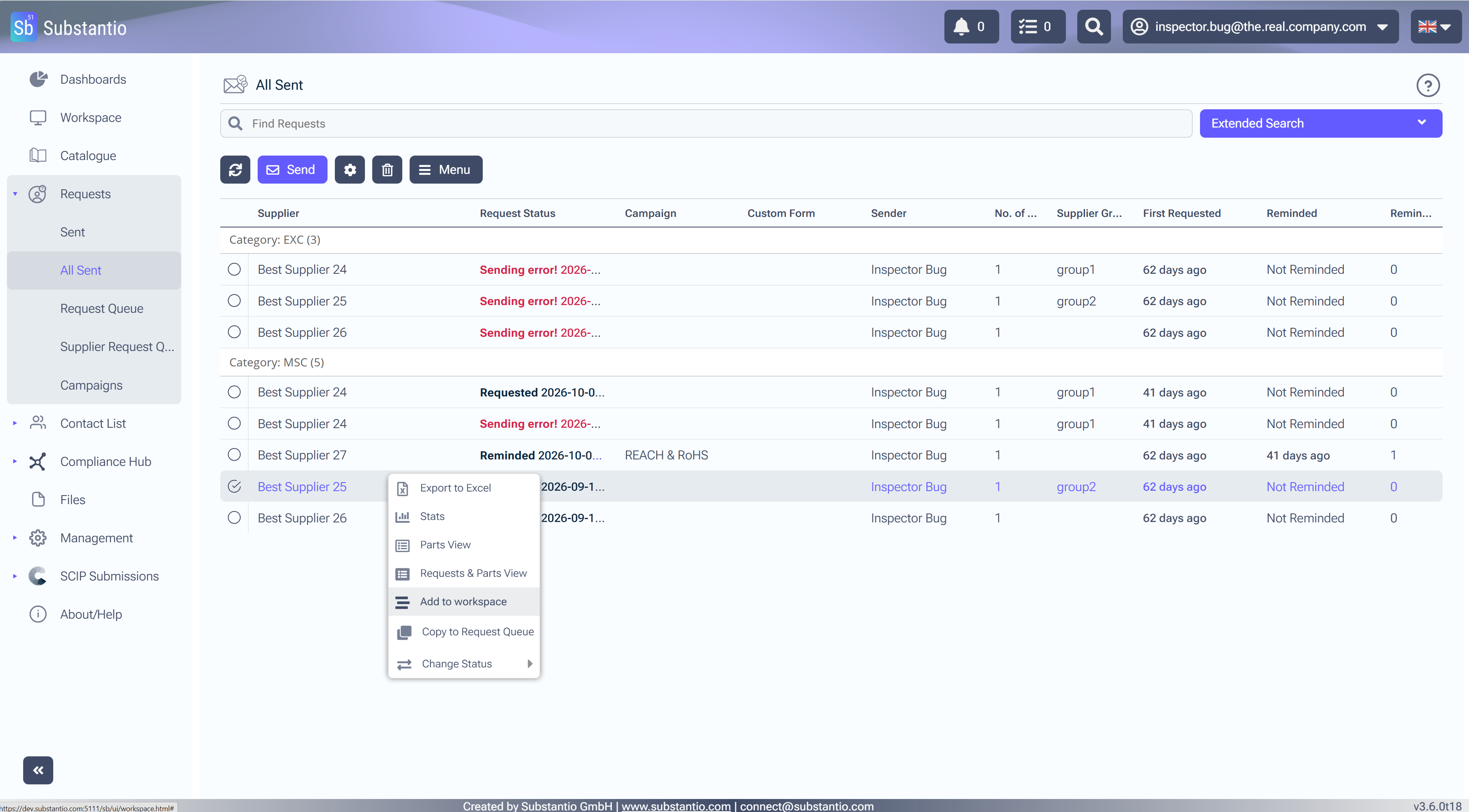
Select Add to workspace from the menu.
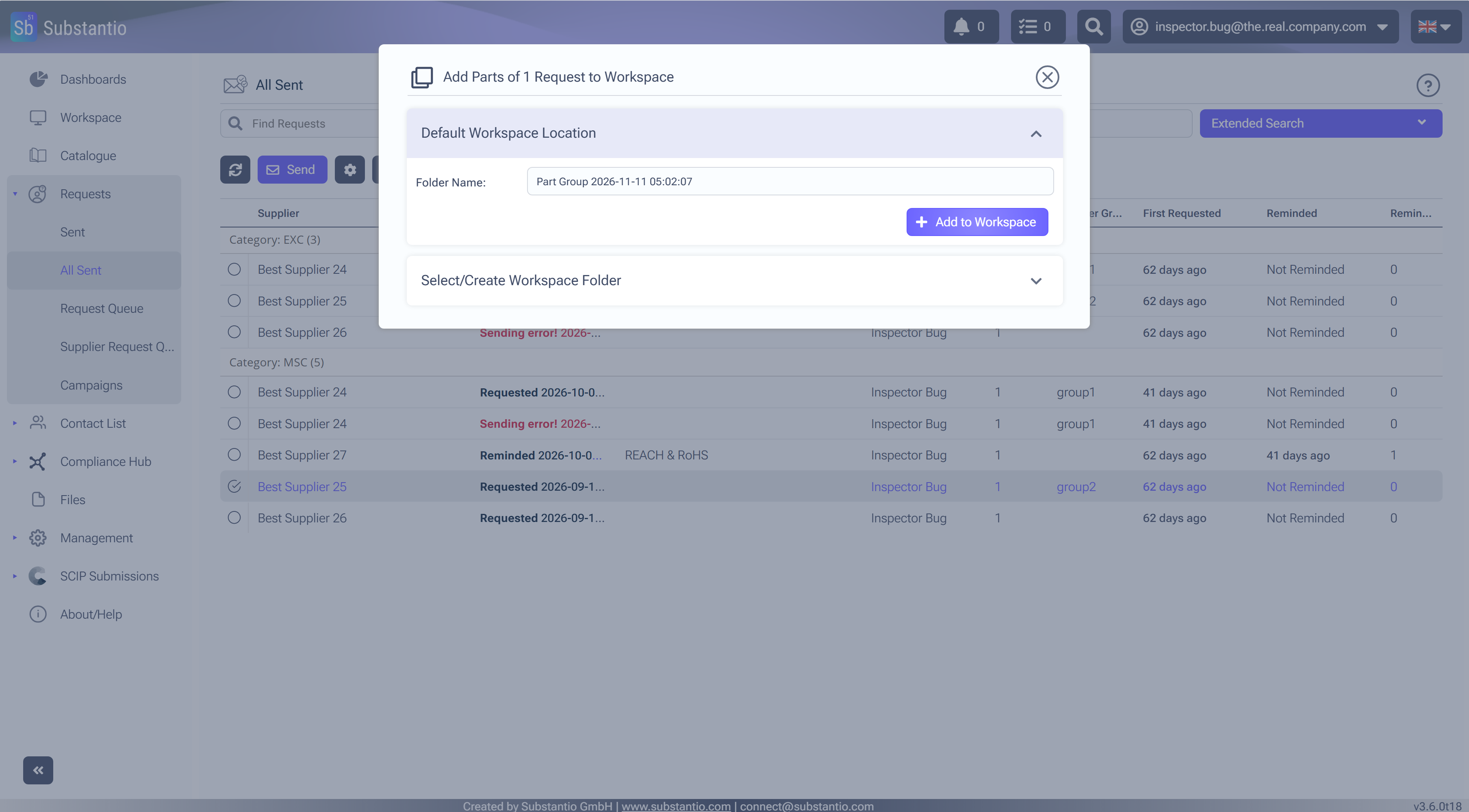
And Add it.
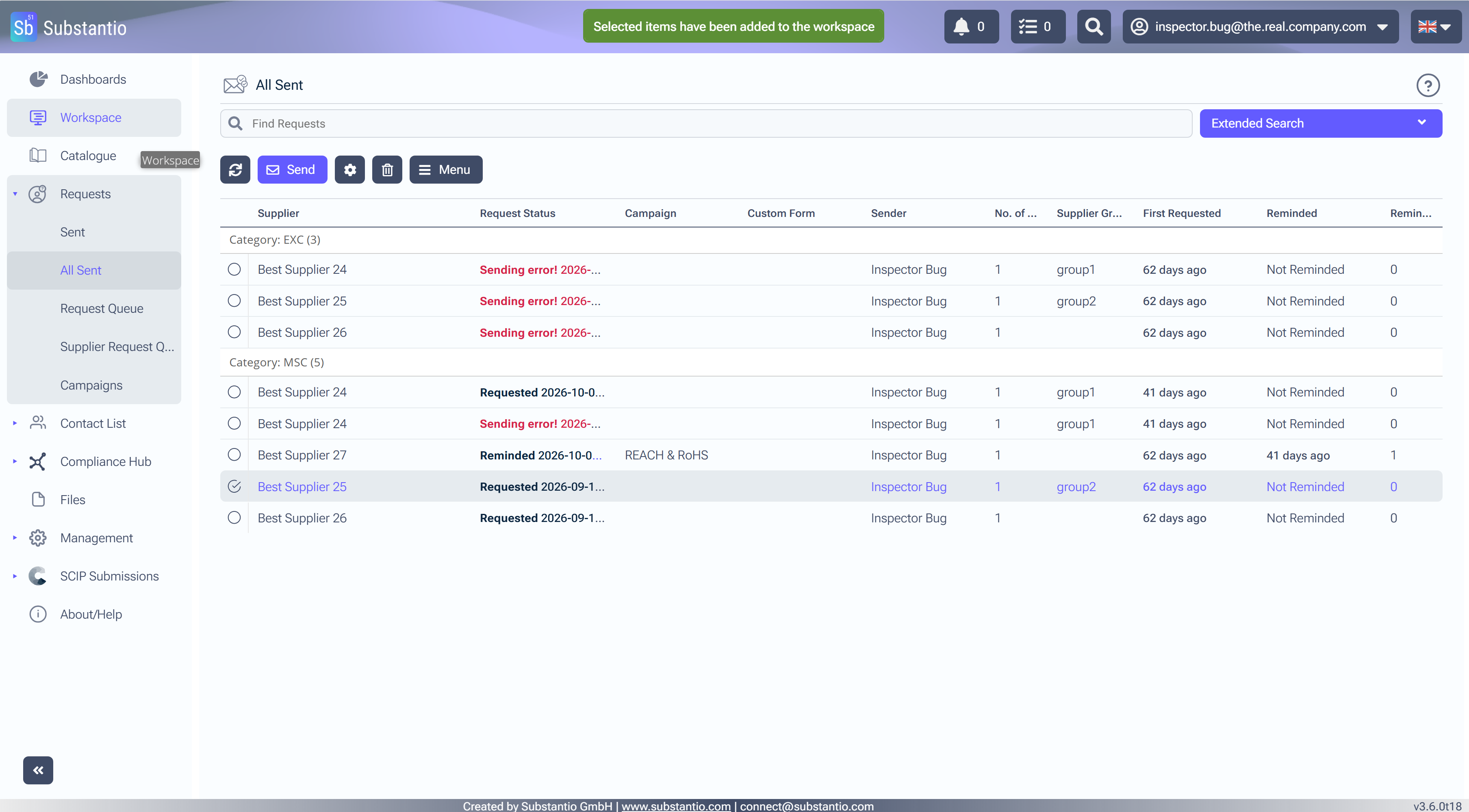
Go to Workspace.
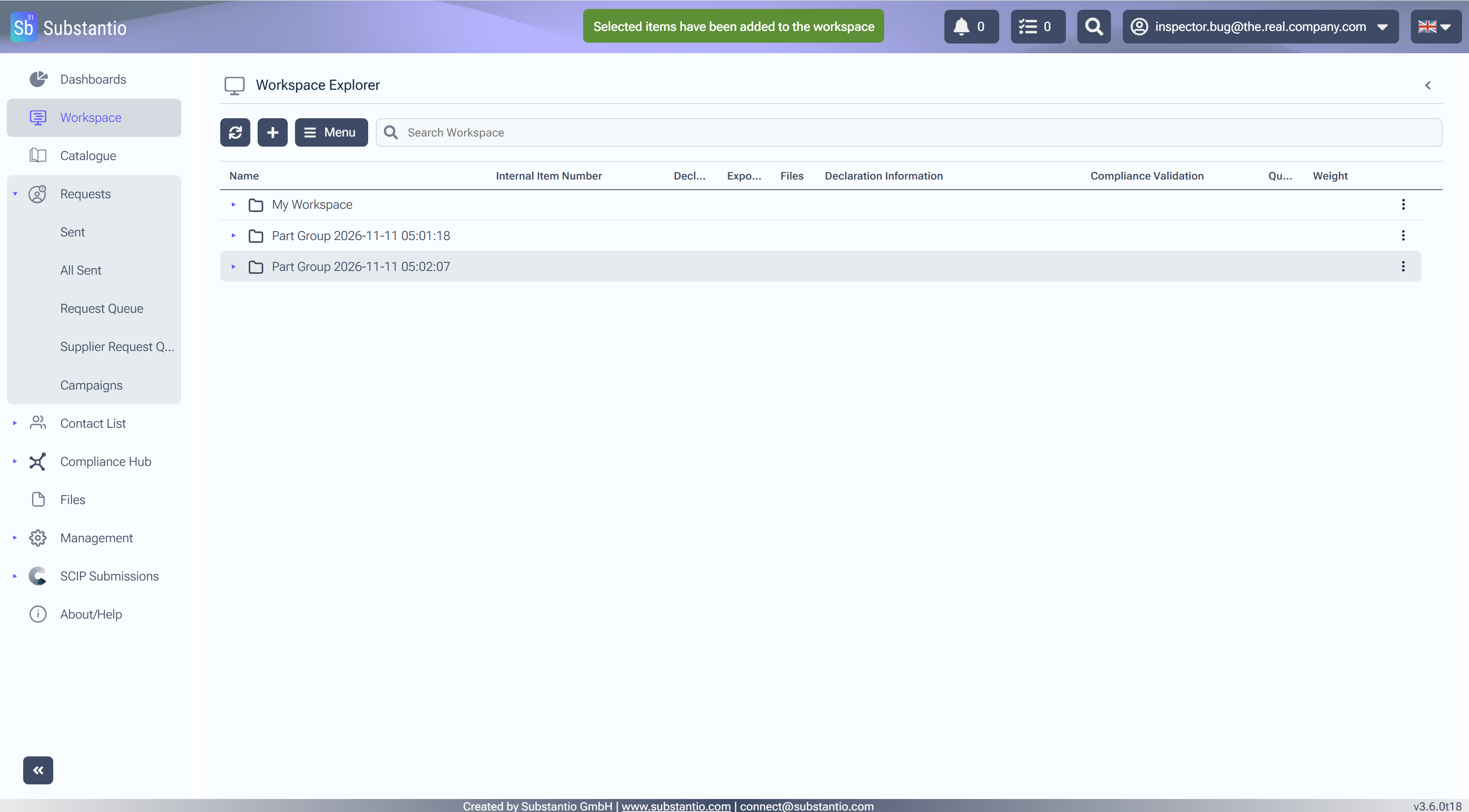
Open the part.
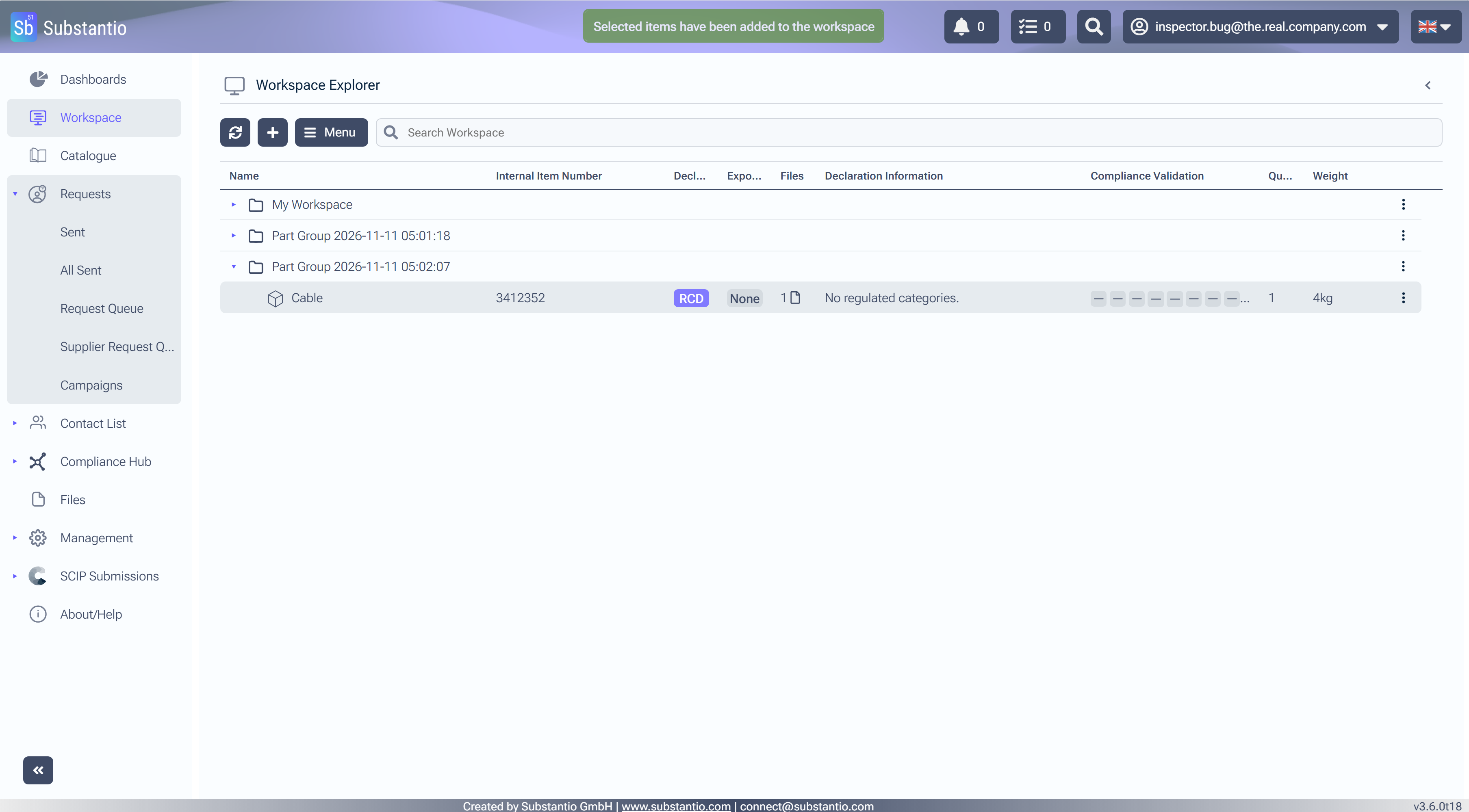
Click the part.
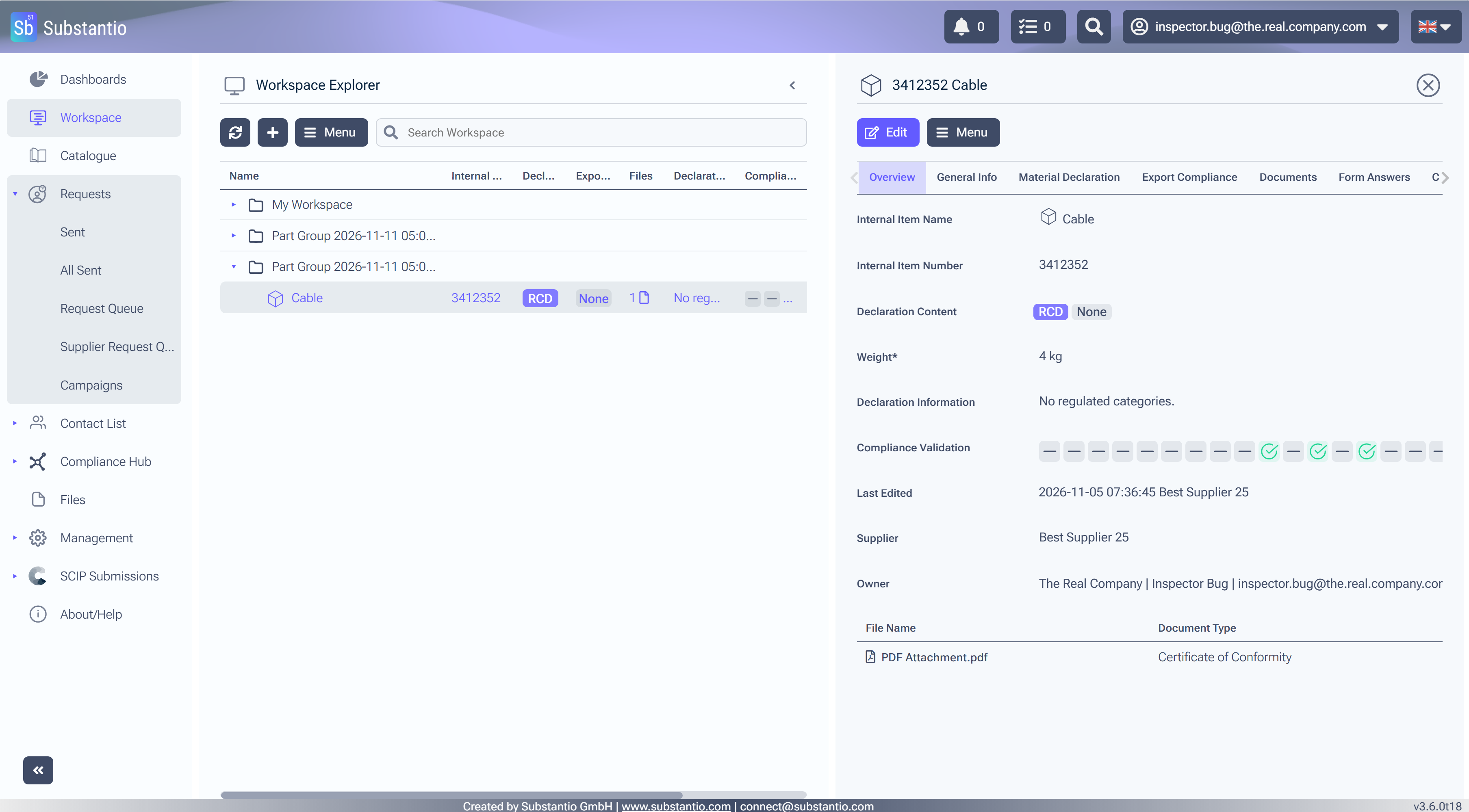
Choose the Edit button.
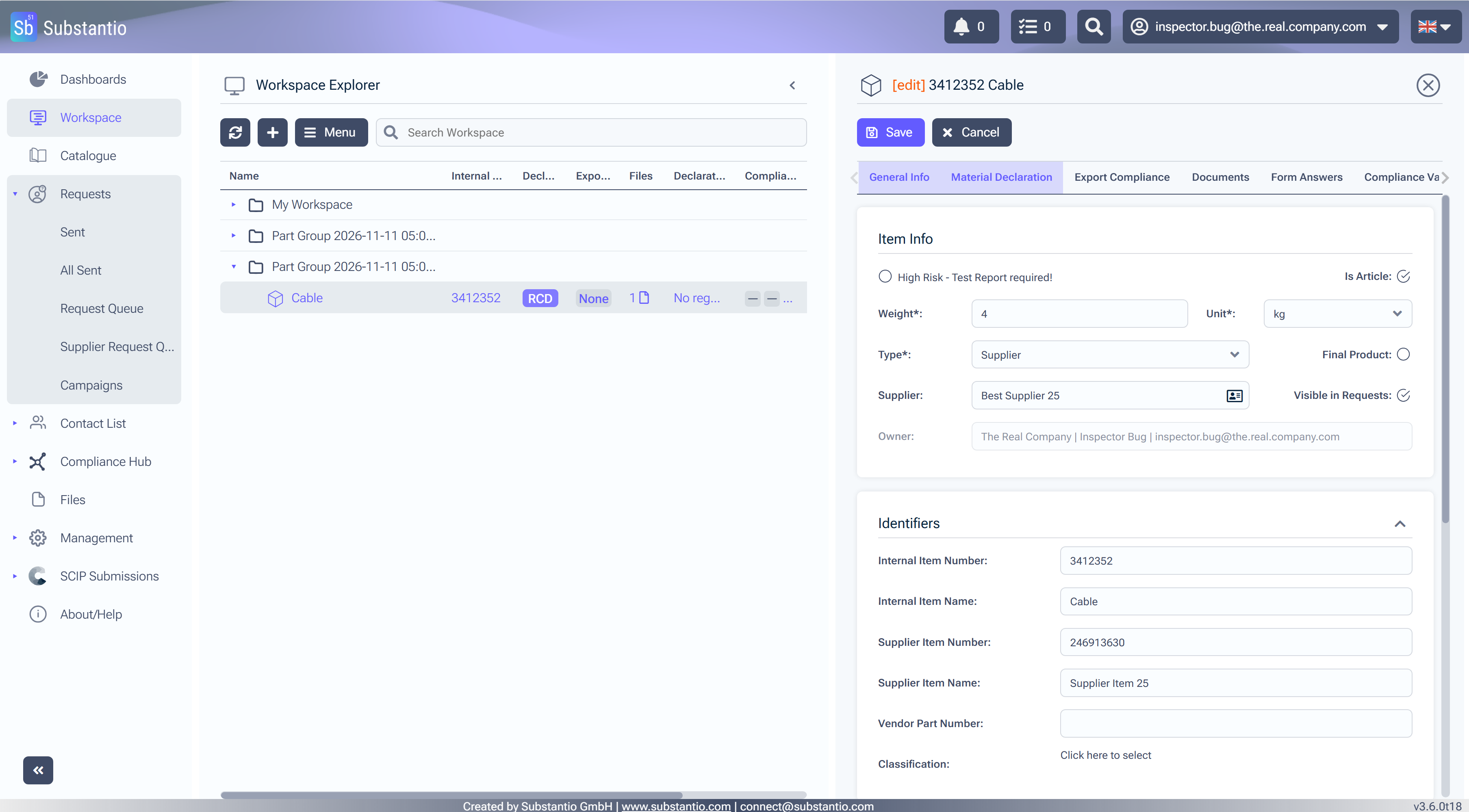
Switch to the tab Material Declaration.
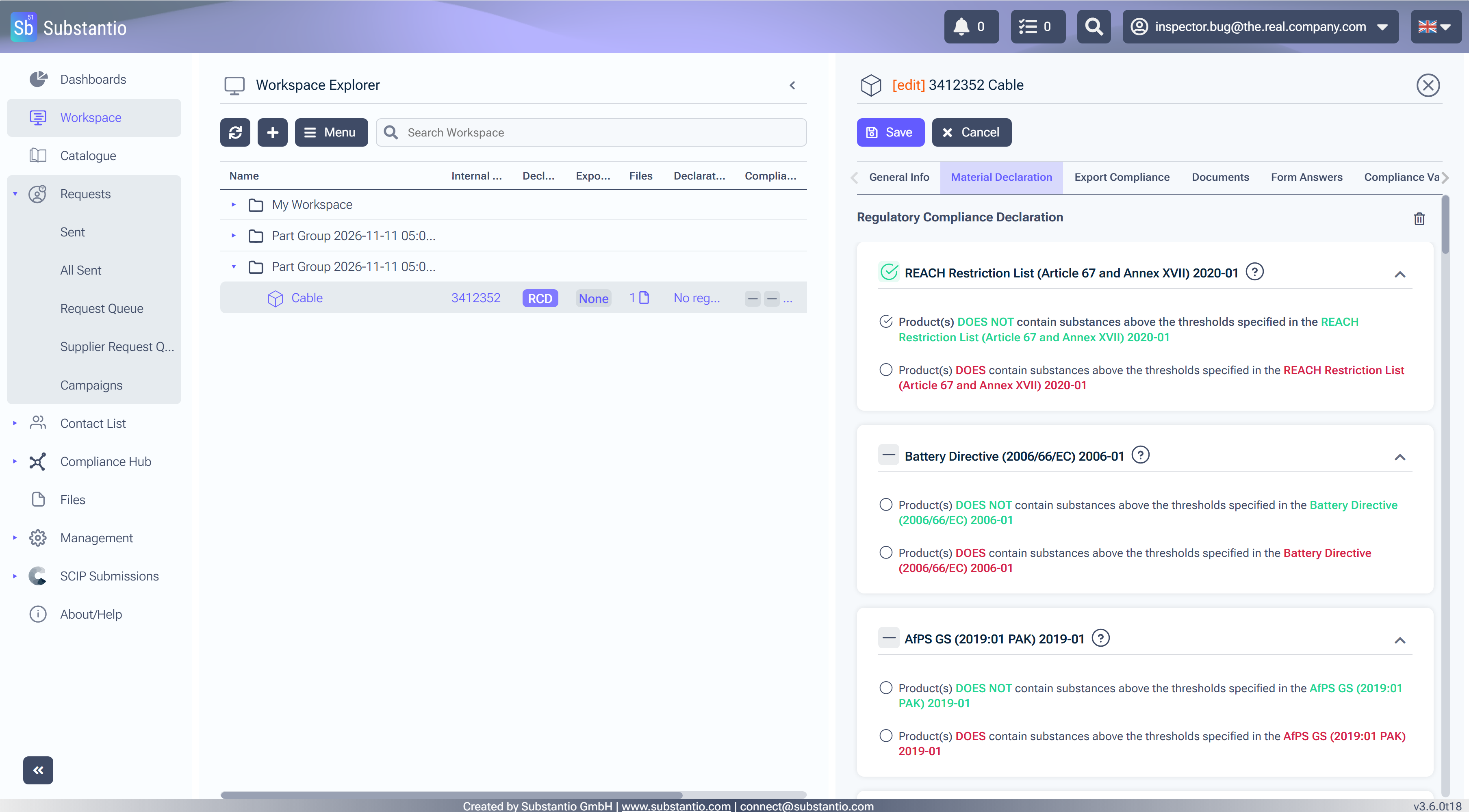
Declare your part.
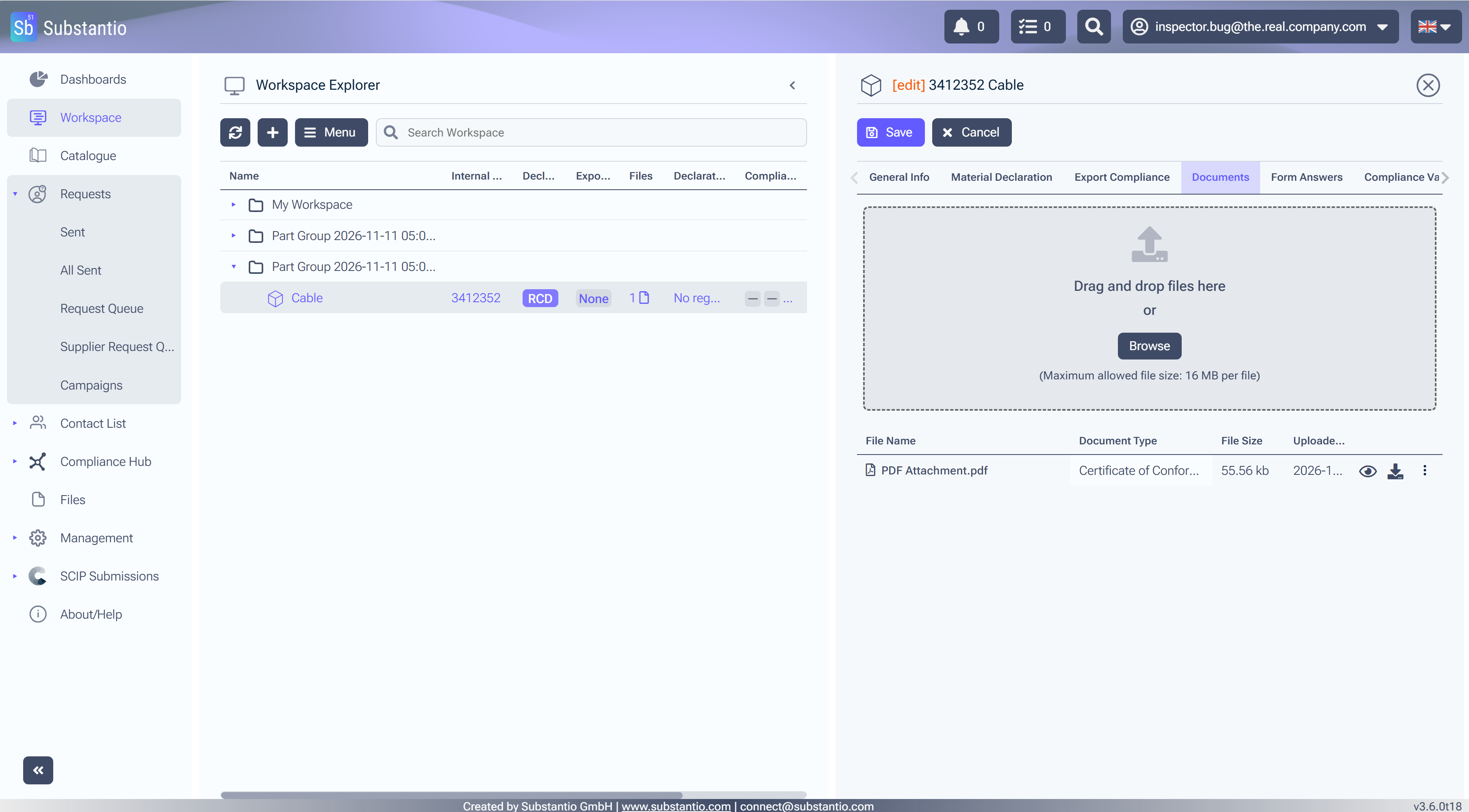
Go to the Documents folder and look for the document that supports the declaration.
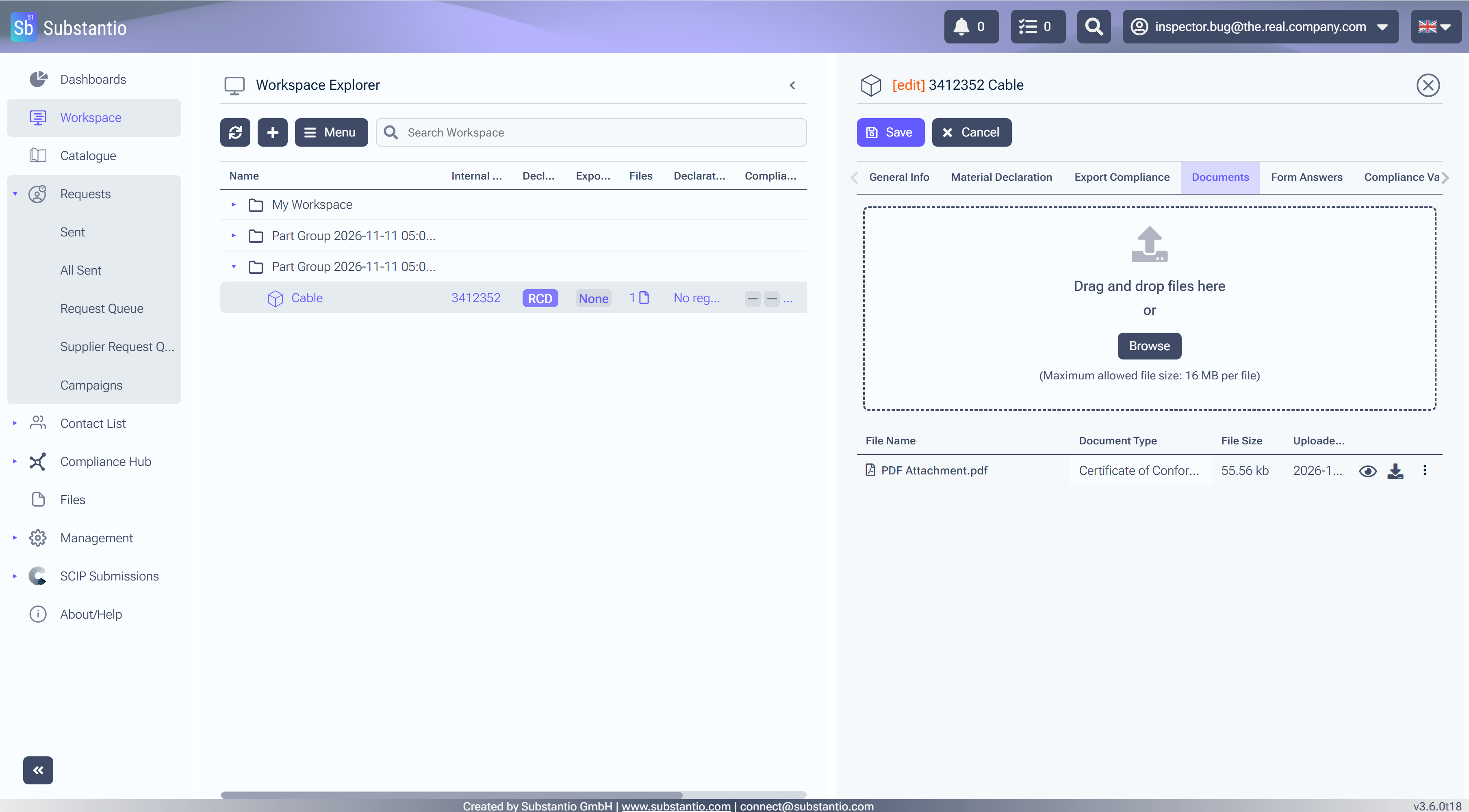
Click on Save.

